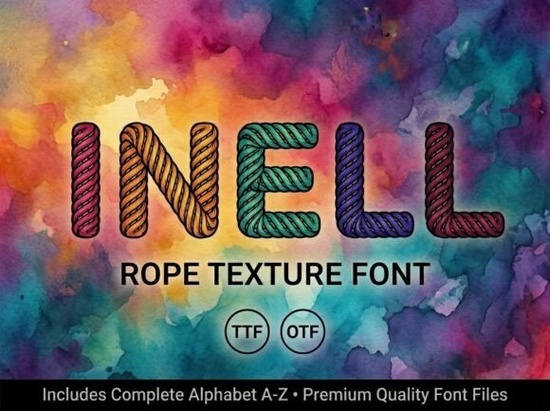
If you are looking for a typeface that immediately grabs attention without relying on complex layout tricks, Inell Font offers exactly that kind of straightforward impact. This all-caps decorative display font works best when you let the letters do the talking. Because it only contains uppercase characters, designers and crafters quickly learn to treat each word like a built-in graphic element rather than standard body text. You will see it used frequently on apparel tags, premium product labels, social media banners, and custom packaging where a clean, striking presence matters more than readability at small sizes.
What makes this display typeface stand out?
Most decorative fonts try to balance form and function, but this particular style leans hard into artistic detail. The letterforms carry distinctive cutouts, sharp angles, and smooth curves that give every character a consistent visual rhythm. That consistency is why it stays polished even when scaled up for large-format prints or blown up on stretched canvas. Crafters often pair it with solid background colors or subtle textures to let the negative space inside the letters show through. Print-on-demand sellers appreciate how it keeps brand names legible from a distance while still feeling custom-made.
How do you actually set up the files for your workflow?
When you purchase the package, you receive two standard font formats that cover almost every design environment. The OTF version supports advanced layout adjustments and higher precision rendering, which matters if you work in vector applications or desktop publishing suites. The TTF file runs smoothly on older systems, Windows PCs, and macOS machines where newer font engines might cause installation hiccups. Both files install the same way through your operating system’s font manager, and once they appear in your software’s dropdown menu, you are ready to drag text onto your canvas.
Practical steps for setting up uppercase-only letters
- Lock your keyboard caps lock or use your software’s all-caps toggle so no accidental lowercase characters slip in.
- Adjust tracking manually, because the wide cuts between letters look tighter by default in some programs.
- Position text on guides to keep baseline alignment steady, especially when mixing it with geometric shapes or photos.
- Test color contrast early, since dark backgrounds paired with light outlines require precise stroke settings to stay crisp during printing.
Where can you find complementary styles if you need variety?
A single display font rarely covers every project requirement, so keeping a few alternatives on hand saves time during client revisions or batch production. If you enjoy the sharp geometric feel but want something with more rounded edges, exploring a flowing brush-style alternative gives you flexibility without leaving the same creative space. Business owners who prefer structured, traditional lettering often test the clean slab serif option alongside their main branding typography. For projects that need simpler spacing and lighter weights, the minimalist monoline collection fills the gap nicely. Even niche markets benefit from having options, such as the rustic block variant for vintage-inspired merchandise. Visiting the official designer portfolio page provides direct access to related style families and licensing details.
If you want to browse additional decorative options or compare pricing tiers across different creators, visiting the main Inell search result lets you preview full sample packs before committing to a specific license.
What should you verify before starting your final mockup?
Running a quick pre-flight check prevents mismatched spacing or missing export settings later in the production line. Use this short list to keep your files printer-ready and web-safe:
Pre-export checklist
- Confirm that all text layers are fully outlined or embedded with the correct encoding.
- Check bleed margins if your design extends past the trim line.
- Run a scale test at ten percent, fifty percent, and three hundred percent to spot any broken connections in the lettercuts.
- Save a flattened PNG for social previews and a PDF/X-1a for commercial printers.
Start by applying the font to a single word or brand acronym, adjust the tracking until the negative space feels balanced, and export a low-resolution proof first. Once the spacing looks clean on screen, move straight to your final color separation and file delivery. This method keeps your workflow fast and your output consistently sharp.
Learn More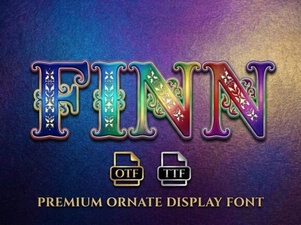 Finn Font: Design Ideas for Modern Projects
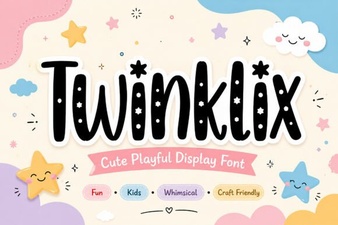 Twinklix Font: Creative Design Projects & Ideas
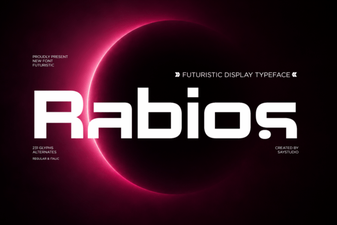 Rabios Font: Download & Creative Projects Guide
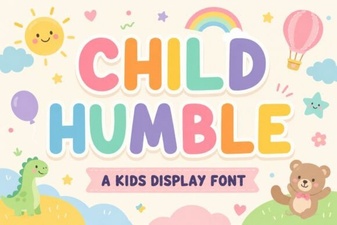 Crafting Projects with Humble & Playful Fonts
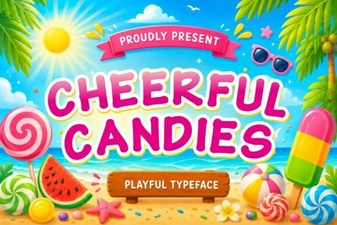 Cheerful Candies Font for Fun Web Design
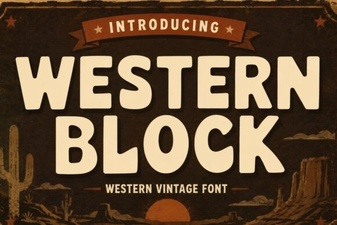 Western Block Fonts for Design Projects